STUDENT DASHBOARD
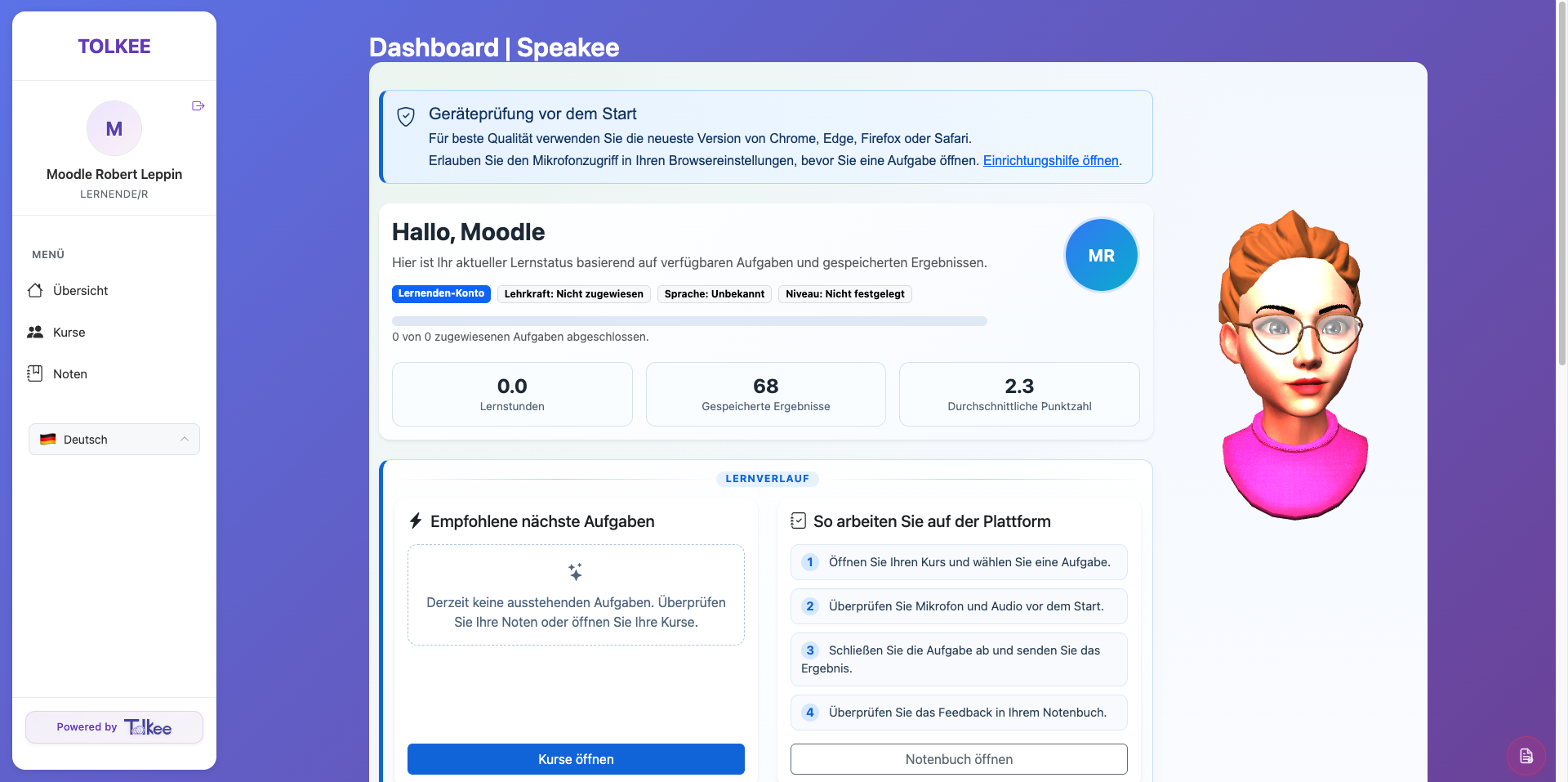
Tolkee provides learners with a clear and intuitive workspace where they can join courses, access AI-powered speaking exercises, complete assigned tasks, and track their personal progress — all in one place.
- Join courses instantly via course access code
- Access assigned learning activities from a central dashboard
- Practice speaking with AI-powered conversation avatars
- Complete interactive speaking tasks and exercises
- Multilingual interface for international learners
1. Course Access & Enrollment
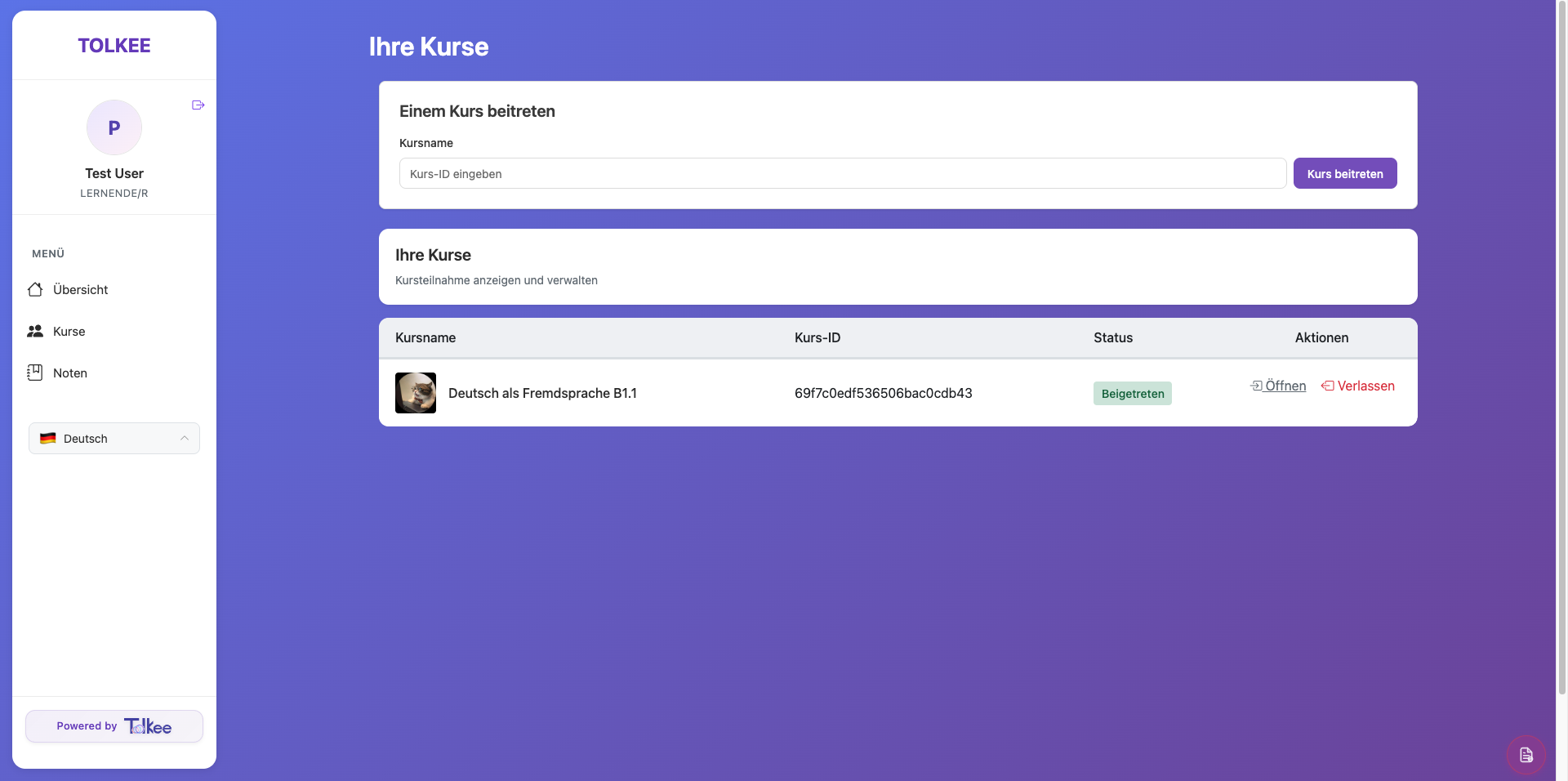
Students can quickly join teacher-created courses using a unique course ID and manage all enrolled courses from a single interface. This creates a smooth onboarding experience for schools, universities, and language programs without requiring manual account setup for every activity.
- Course enrollment via access code
- Overview of active learning courses
- Direct access to assigned course activities
- Simple course management for learners
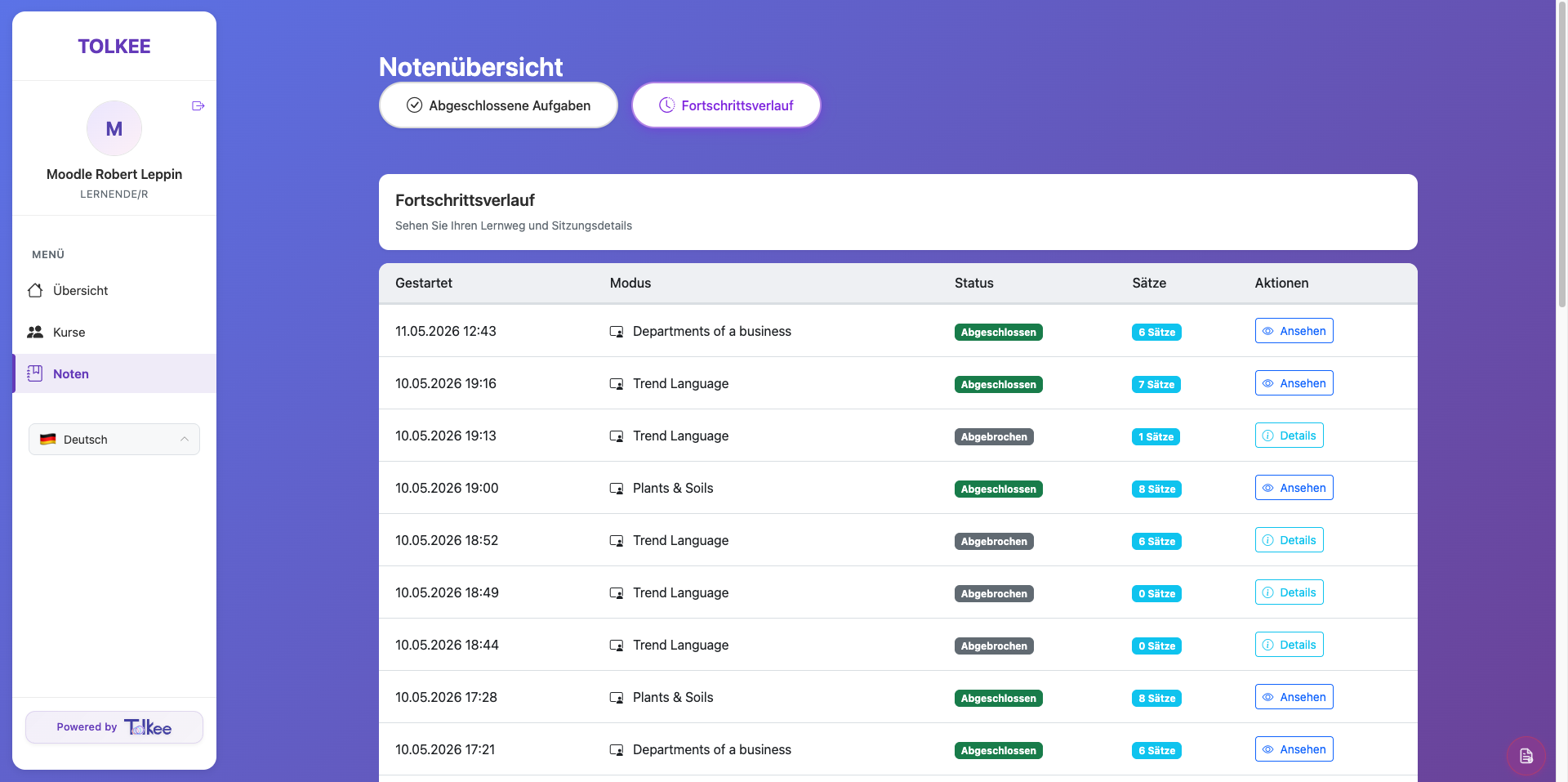
2. Progress & Results Tracking
Students can review their completed speaking exercises and follow their progress over time. Each activity includes session history, completion status, timestamps, speaking task type, and result details — giving both learners and institutions transparent progress tracking.
- Completed exercise history
- Progress timeline
- Task completion status
- Session timestamps
- Exercise type overview
3. AI Speaking Practice
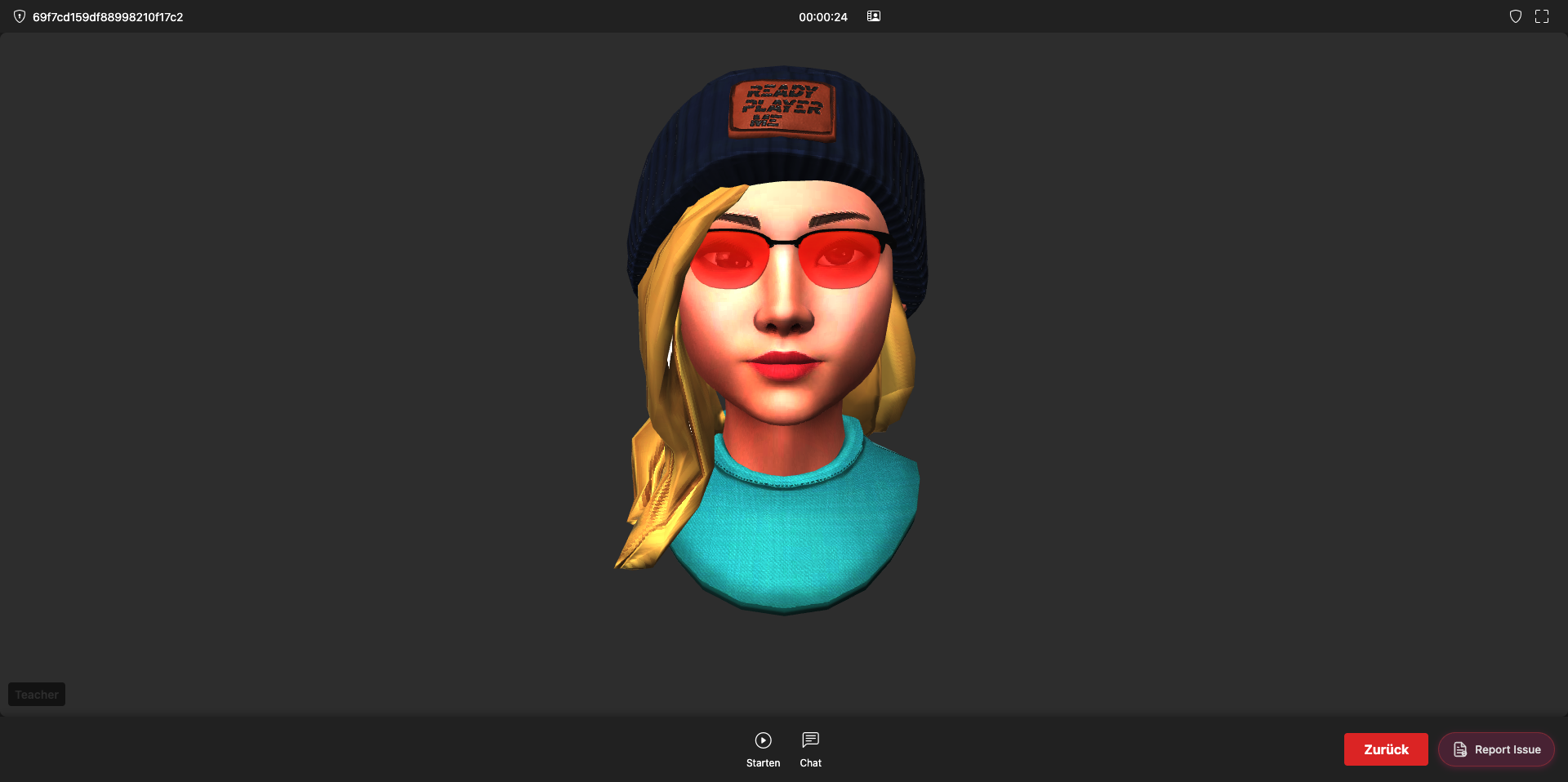
Learners can interact with AI-powered avatars in immersive speaking sessions designed to simulate natural conversations. This transforms passive language learning into active communication practice available anytime.
- AI conversation avatars
- Interactive speaking simulations
- Voice-based language practice
- Real-time conversational engagement
- Immersive learner experience