
TEACHER CABINET
Course management Assignment and exercise creation AI-powered content generation Student progress tracking Grading and analytics
- Course management
- Assignment and exercise creation
- AI-powered content generation
- Student progress tracking
- Grading and analytics
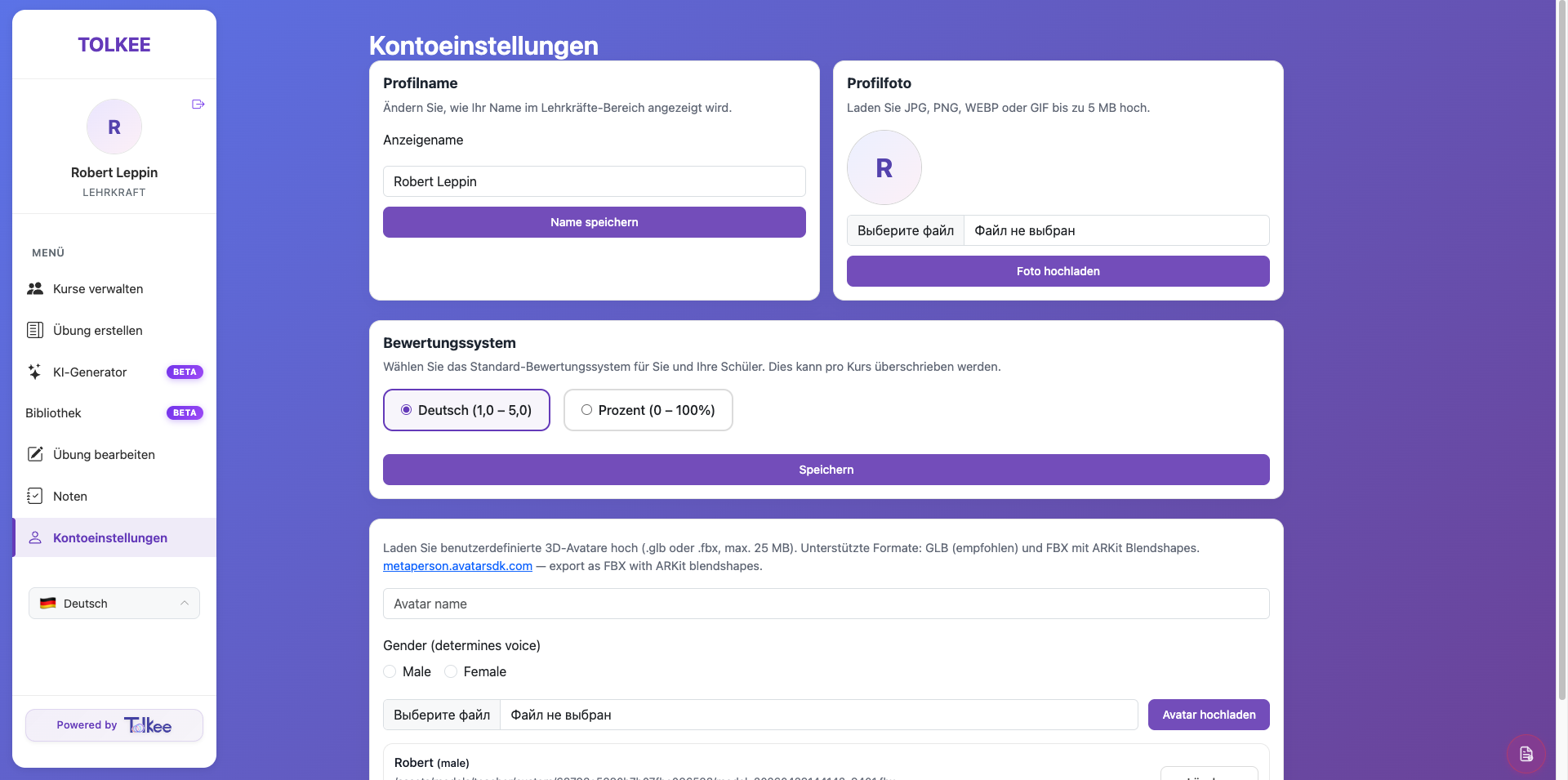
1. Course Management
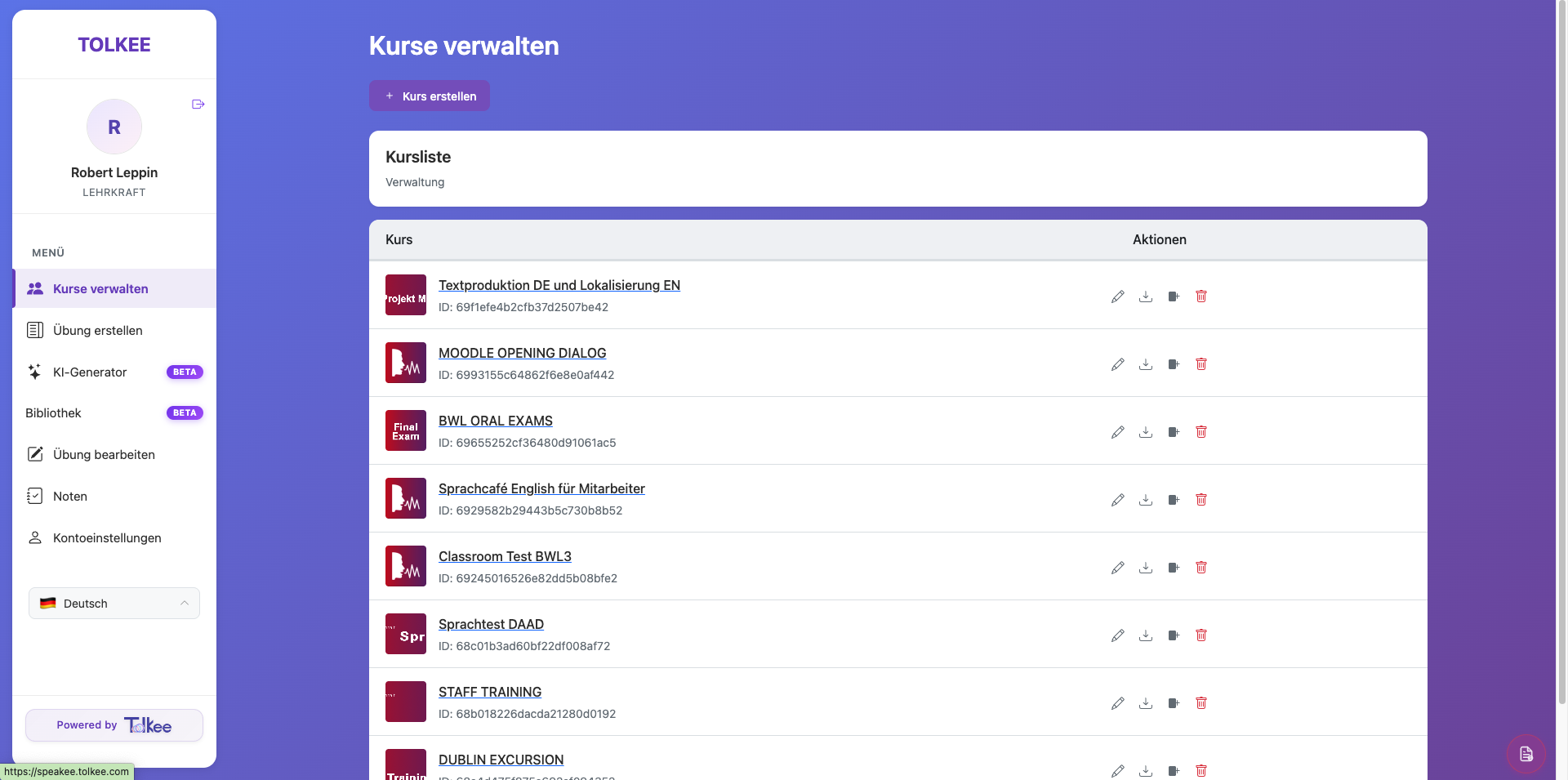
Teaching multiple groups, levels, and learning paths often means endless spreadsheets, duplicated materials, and scattered content.
- Create unlimited language courses
- Organize exercises by topic, level, or class
- Edit, duplicate, archive, or delete content instantly
- Reuse successful courses across semesters
- Reuse successful courses across semesters
2. Interactive Exercise Builder
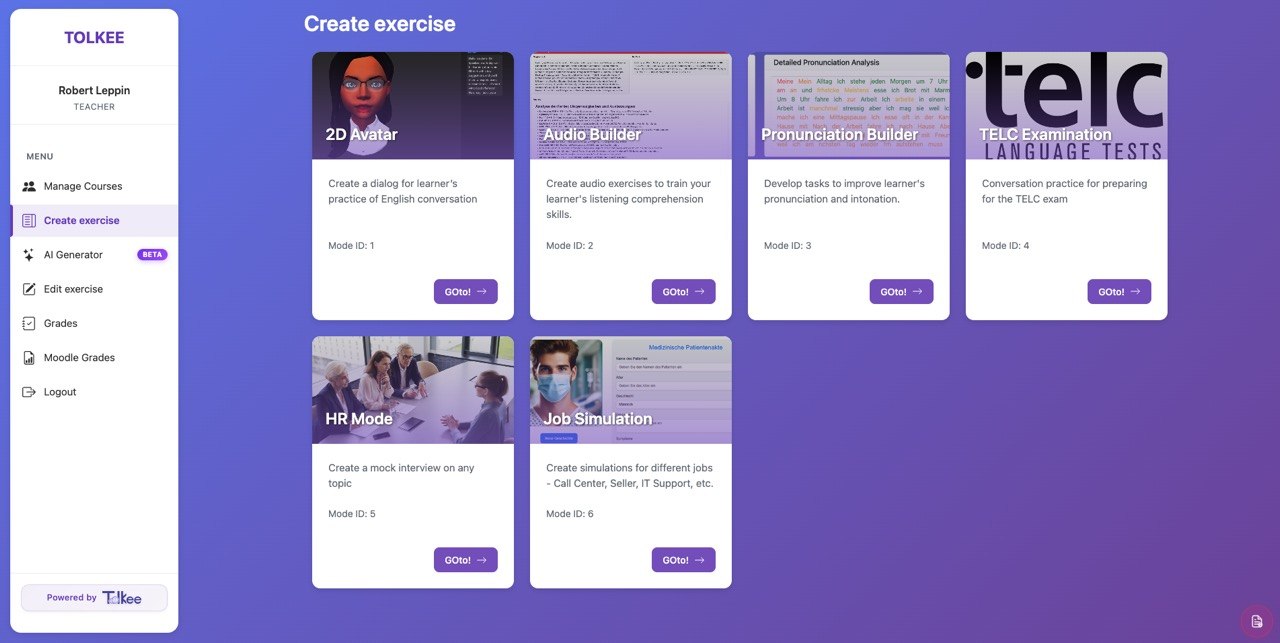
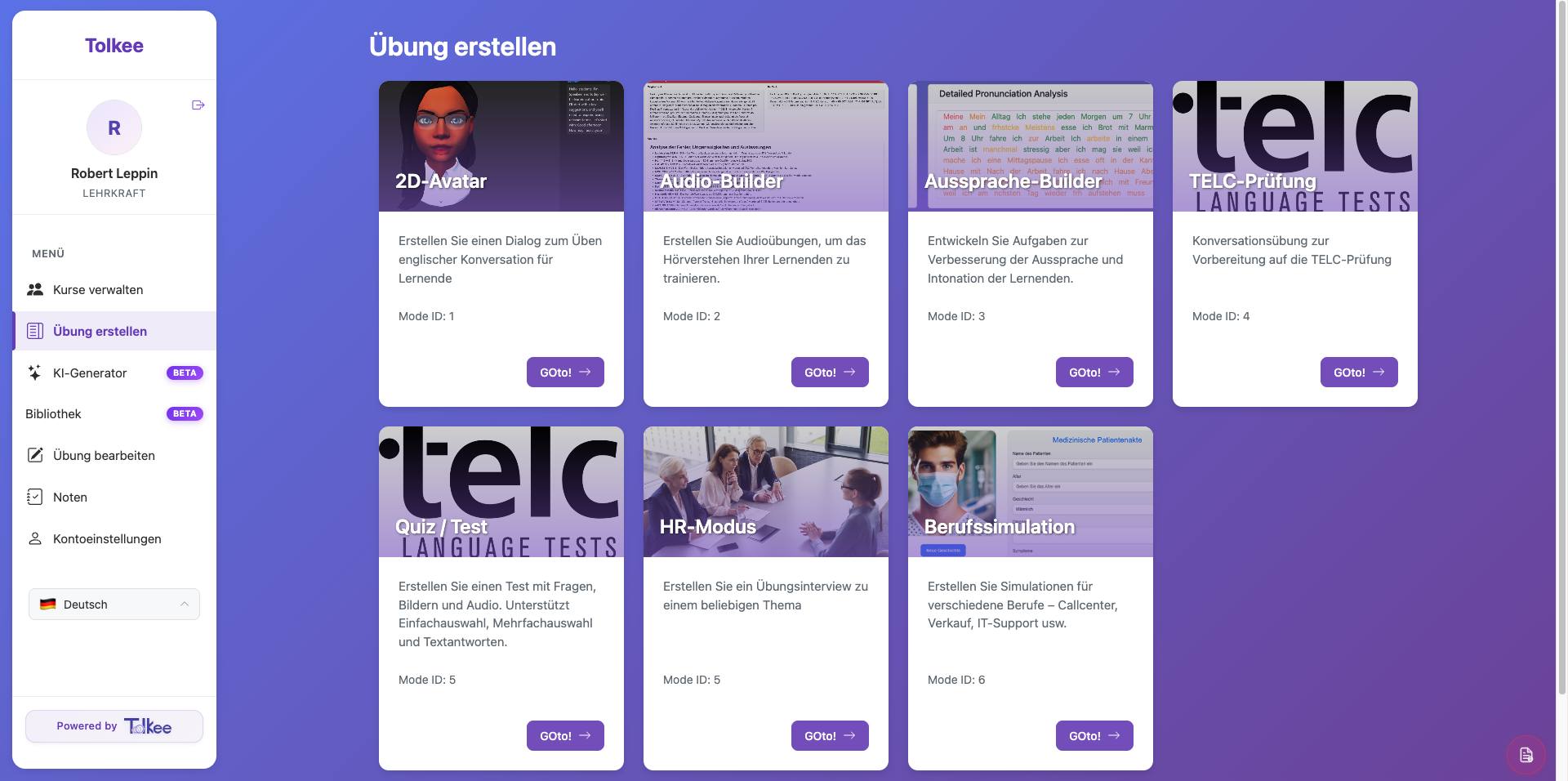
Speaking practice is one of the hardest parts of language teaching to scale. Students need active conversation training — but real speaking exercises require preparation, partner work, monitoring, and feedback. Tolkee changes that. Teachers can instantly create AI-powered interactive exercises.
- 2D AI Avatar Conversations
- Audio Builder
- Pronunciation Builder
- TELC Preparation Mode
- Professional Role Simulations
3. AI Content Generator
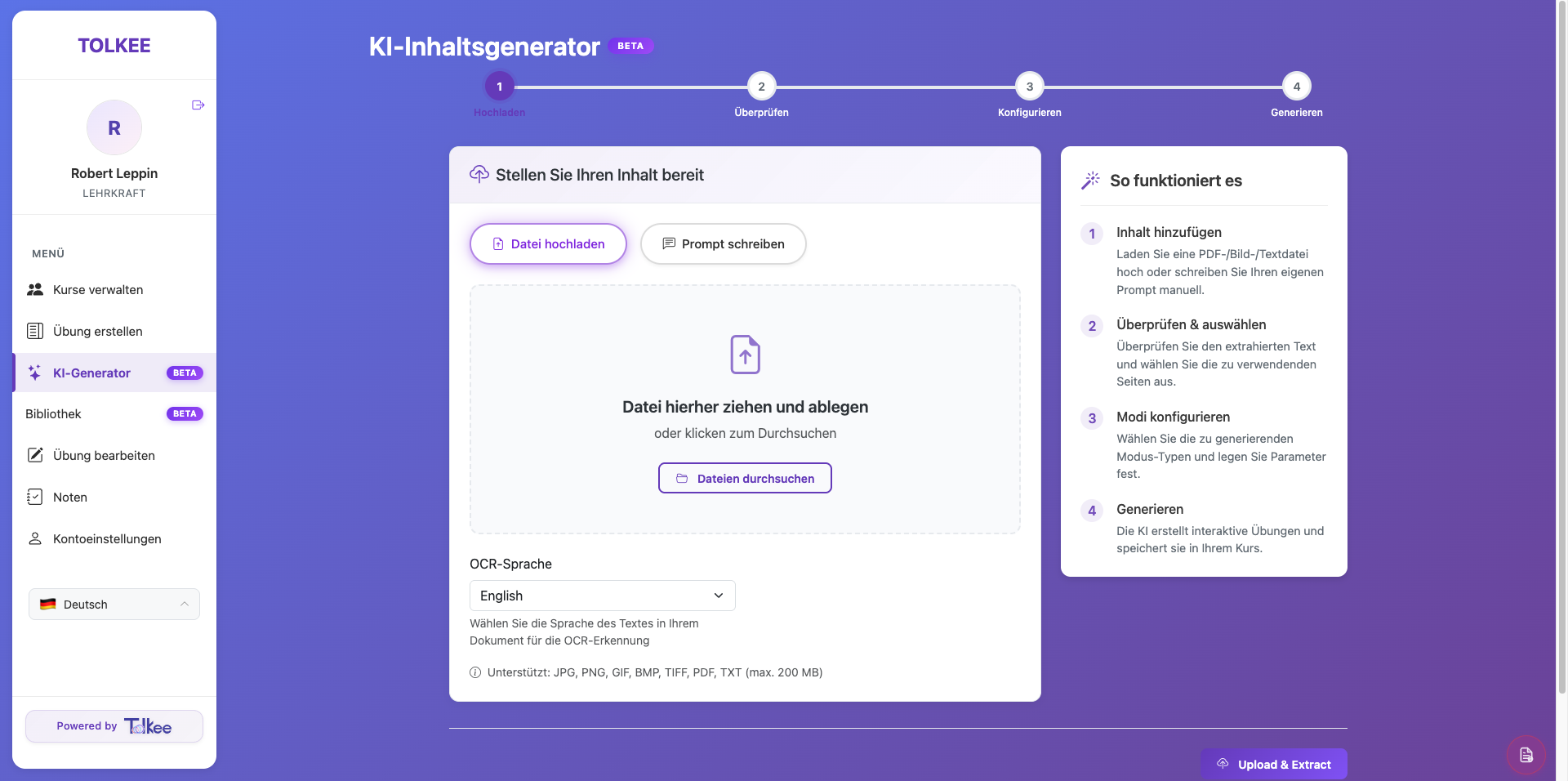
Most teachers already have PDFs, worksheets, textbooks, slides, or notes. Creating digital exercises from those materials normally takes hours.
- Upload teaching material
- OCR extracts the content
- Review selected content
- Choose exercise types
- Generate interactive activities automatically
4. Shared Teaching Library
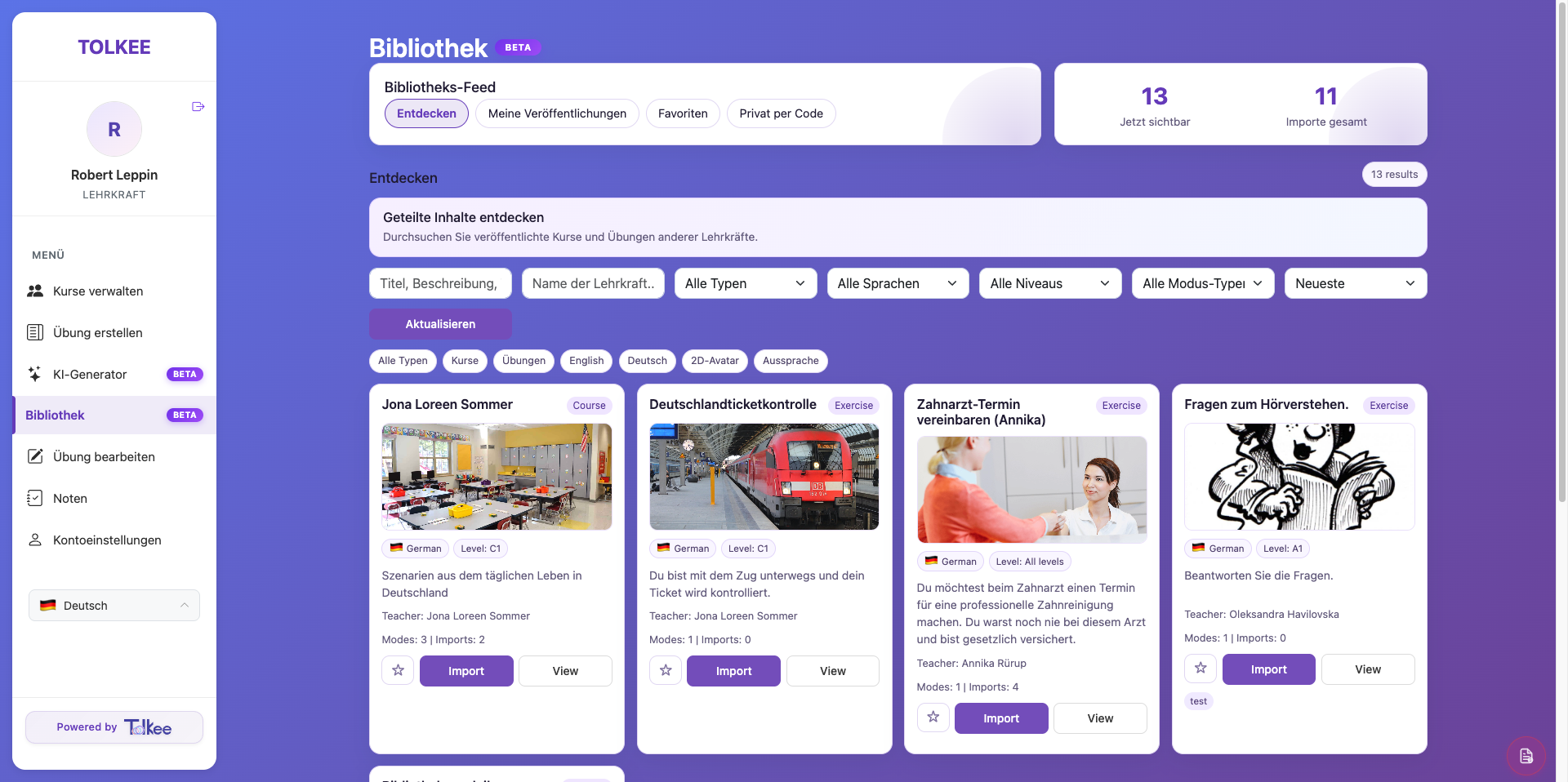
Teachers should not need to reinvent everything. Tolkee includes a collaborative content marketplace / library.
- browse shared courses
- discover ready-made exercises
- filter by language
- search by level
- import with one click
5. Exercise Management
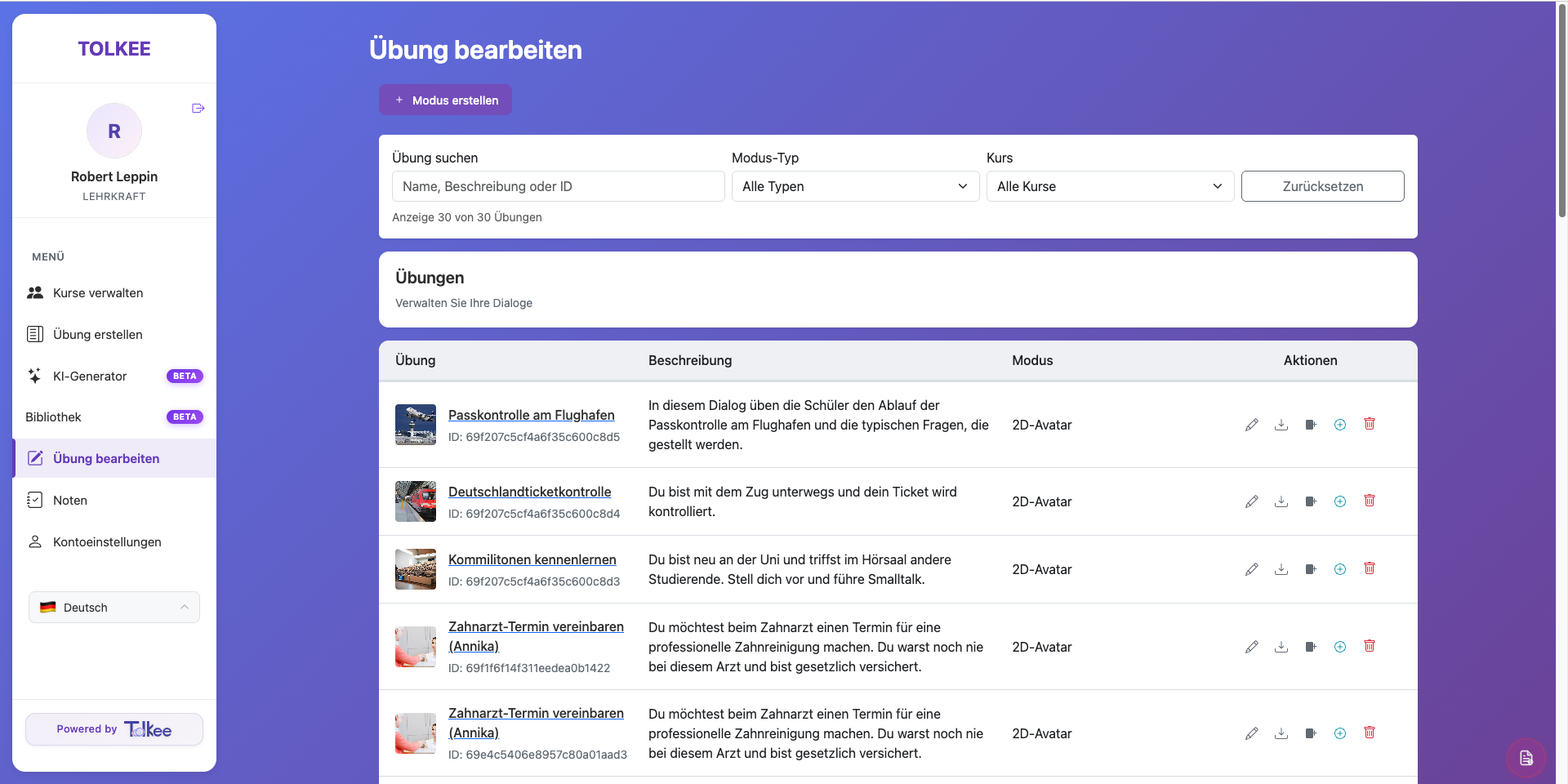
Once exercises are created, teachers remain fully in control.
- search exercises instantly
- edit descriptions
- duplicate activities
- assign to courses
- publish publicly
- organize by mode or course
6. Automated Assessment & Analytics
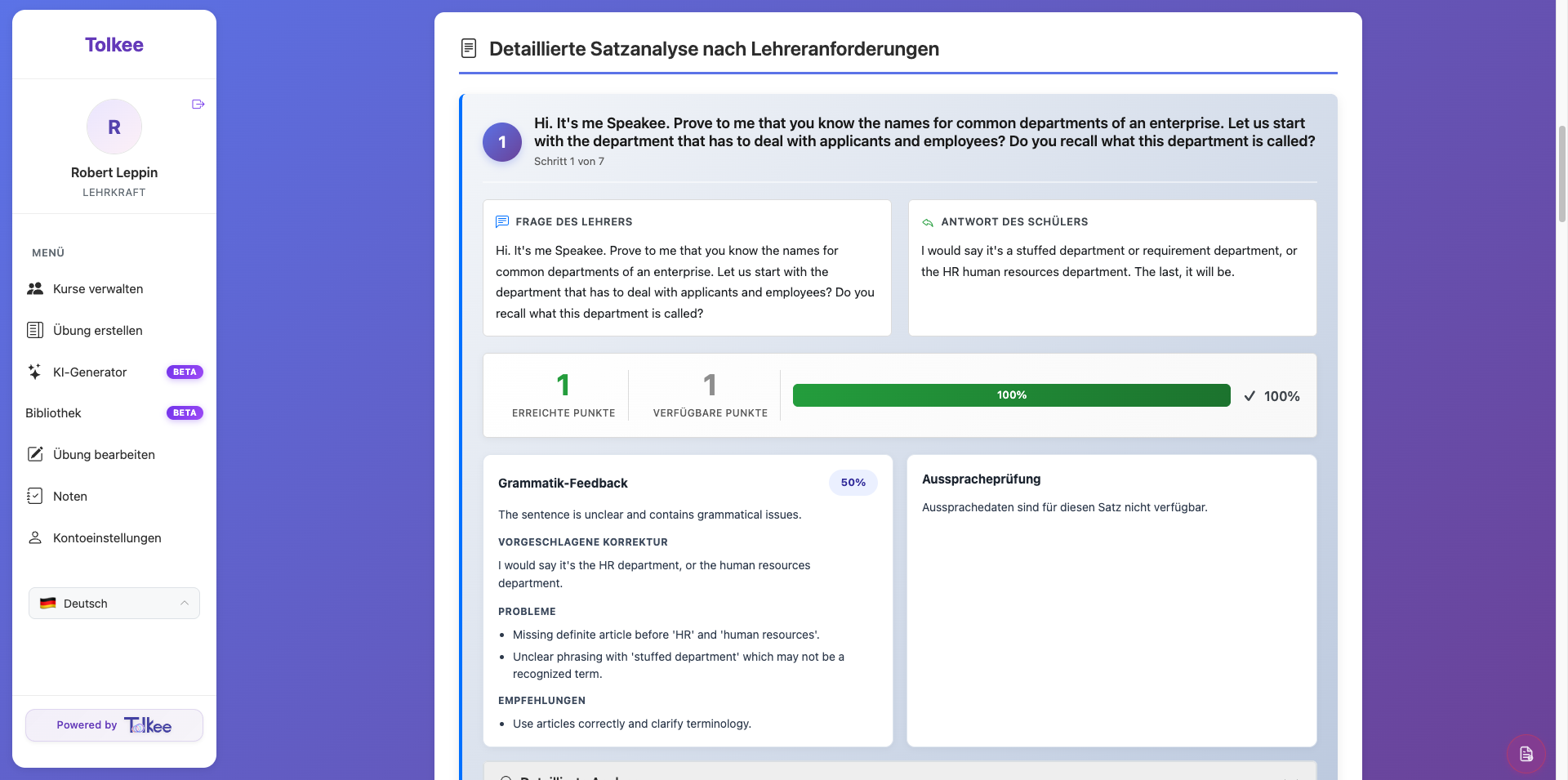
One of the most time-consuming tasks in language teaching is assessment. Tolkee provides automated learner analysis.
- grade overview
- pronunciation score
- grammar score
- teacher grading layer
- performance summary
- video / speaking recordings
7. Teacher Settings & Personalization
Teachers can personalize the platform.
- profile customization
- grading system selection
- avatar uploads
- custom AI teaching personas